Free 3D iPhone mockup studio · no signup · no watermark
Make app screenshotslook launch‑ready.
Drop a screen onto a real 3D device, style the shot, and export polished 4K visuals — all in your browser. Nothing uploads, nothing is watermarked.
6.9-inch-ready renders from your real screens.
On your phone? The studio wants a desktop GPU.
Send yourself the link — everything here works the moment you are back at a computer.
- Files stay on your device
- 4K PNG & JPG export
- Commercial use allowed
- No account
- No watermark
Workflow
From flat screenshot to finished studio shot
Four quick moves, all inside your browser.
- Step 1 of 4
Drop a screenshot
Drag a PNG onto the canvas or paste from the clipboard. It is read locally and never leaves the browser.
- Step 2 of 4
Frame the shot
Your screen snaps onto a real 3D device — bezel, rails, and camera angles included. What you see is the render.
- Step 3 of 4
Style the scene
Swap device finishes, set a backdrop, pick a camera preset. The mockup stays live while you play.
- Step 4 of 4
Export everywhere
Download PNG or JPEG up to 4096 px — App Store, social, or landing-page crops. No watermark, no export cap.
Output
Shots that ship
Straight off the studio canvas — no retouching. Open any setup and it reopens exactly as rendered, ready for your own screenshot.
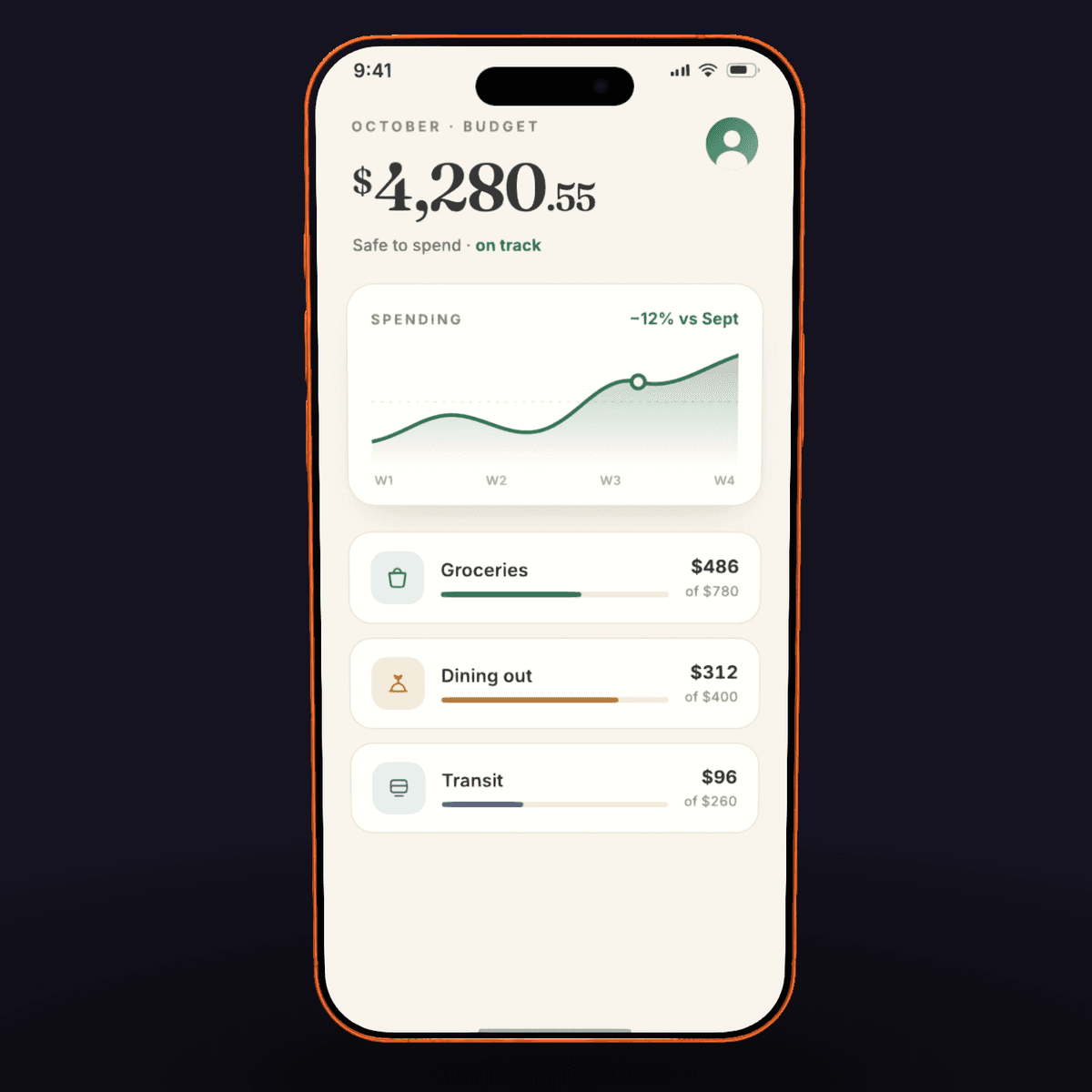
iPhone 17 Pro · Cosmic Orange · 3/4 Left
Open this setup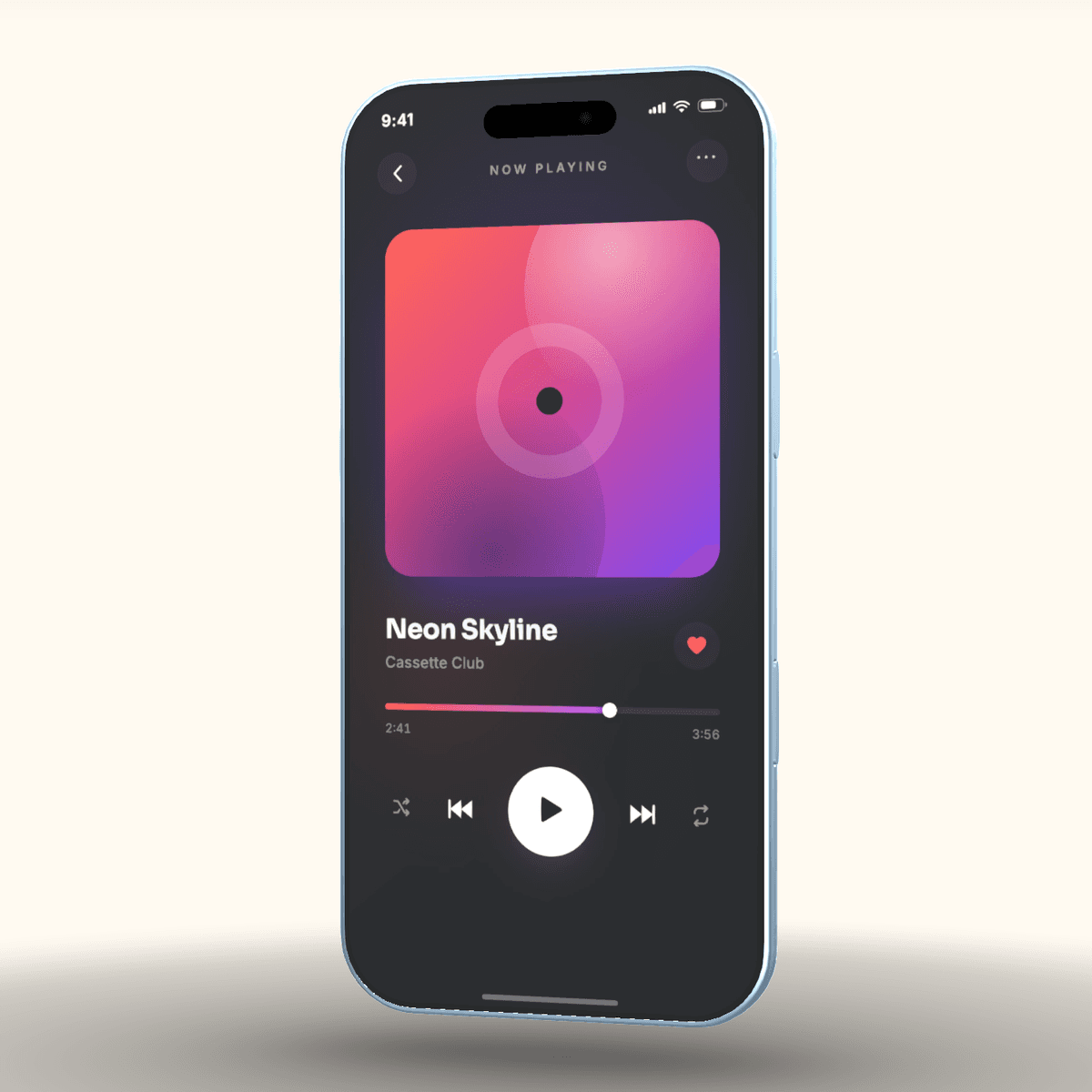
iPhone Air · Sky Blue · Front
Open this setup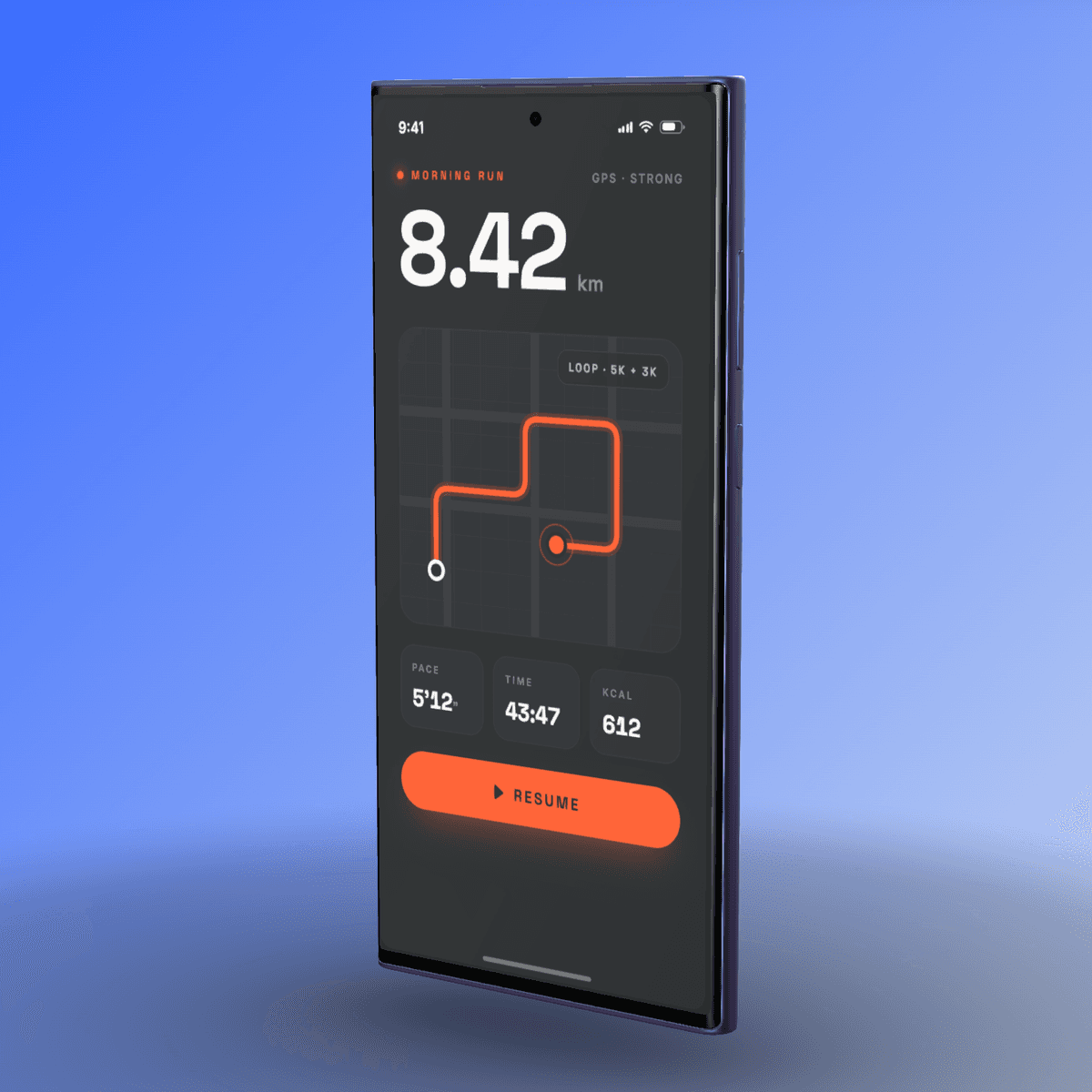
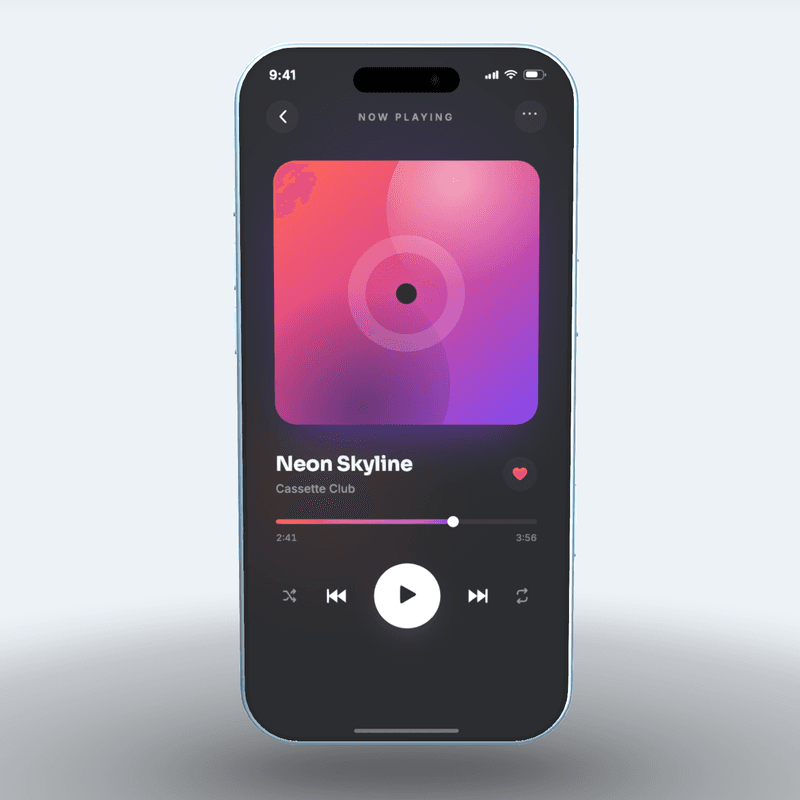
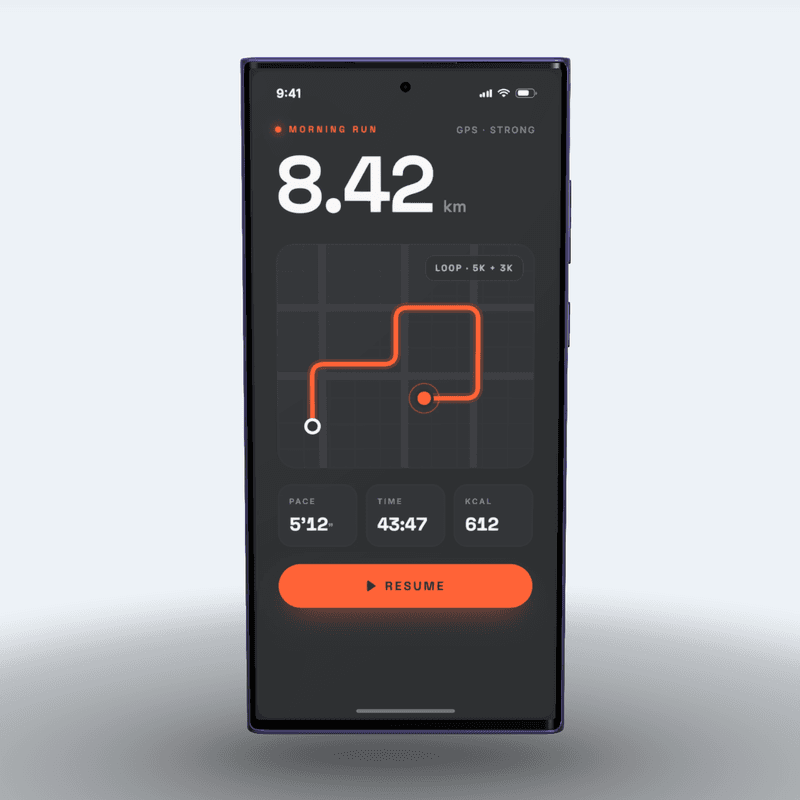
Galaxy S26 Ultra · Cobalt Violet · 3/4 Right
Open this setup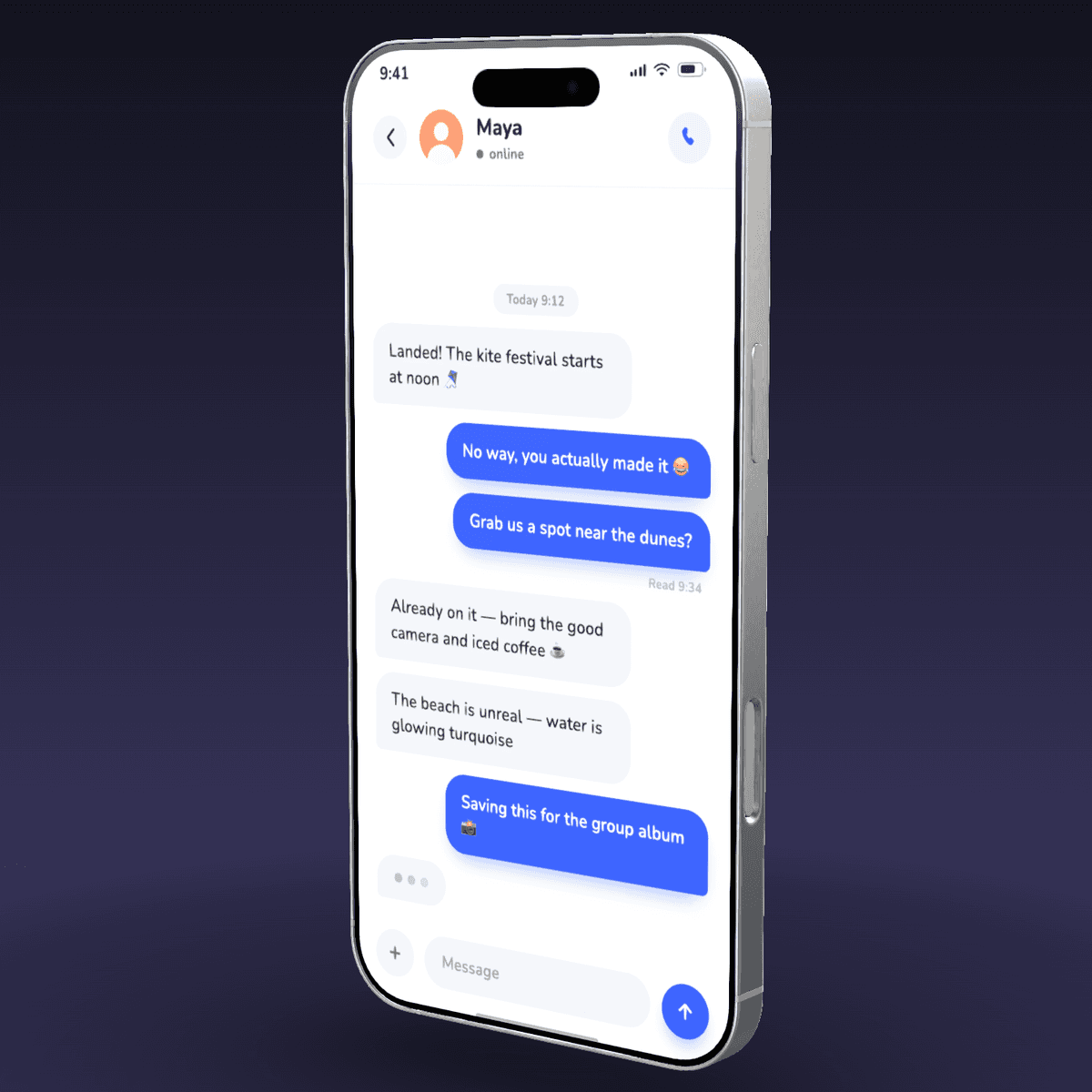
iPhone 17 Pro Max · Silver · 3/4 Right
Open this setup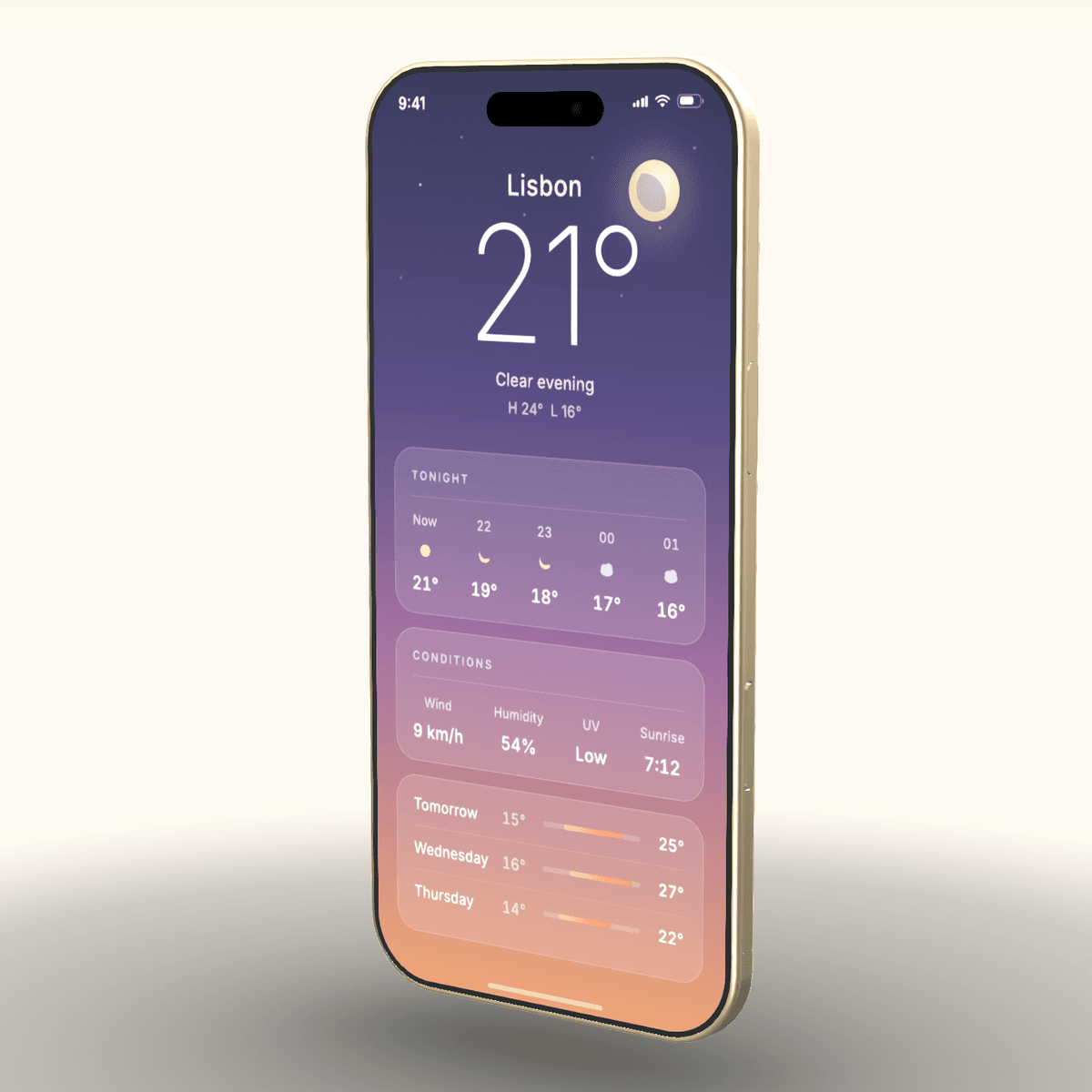
iPhone Air · Light Gold · 3/4 Right
Open this setup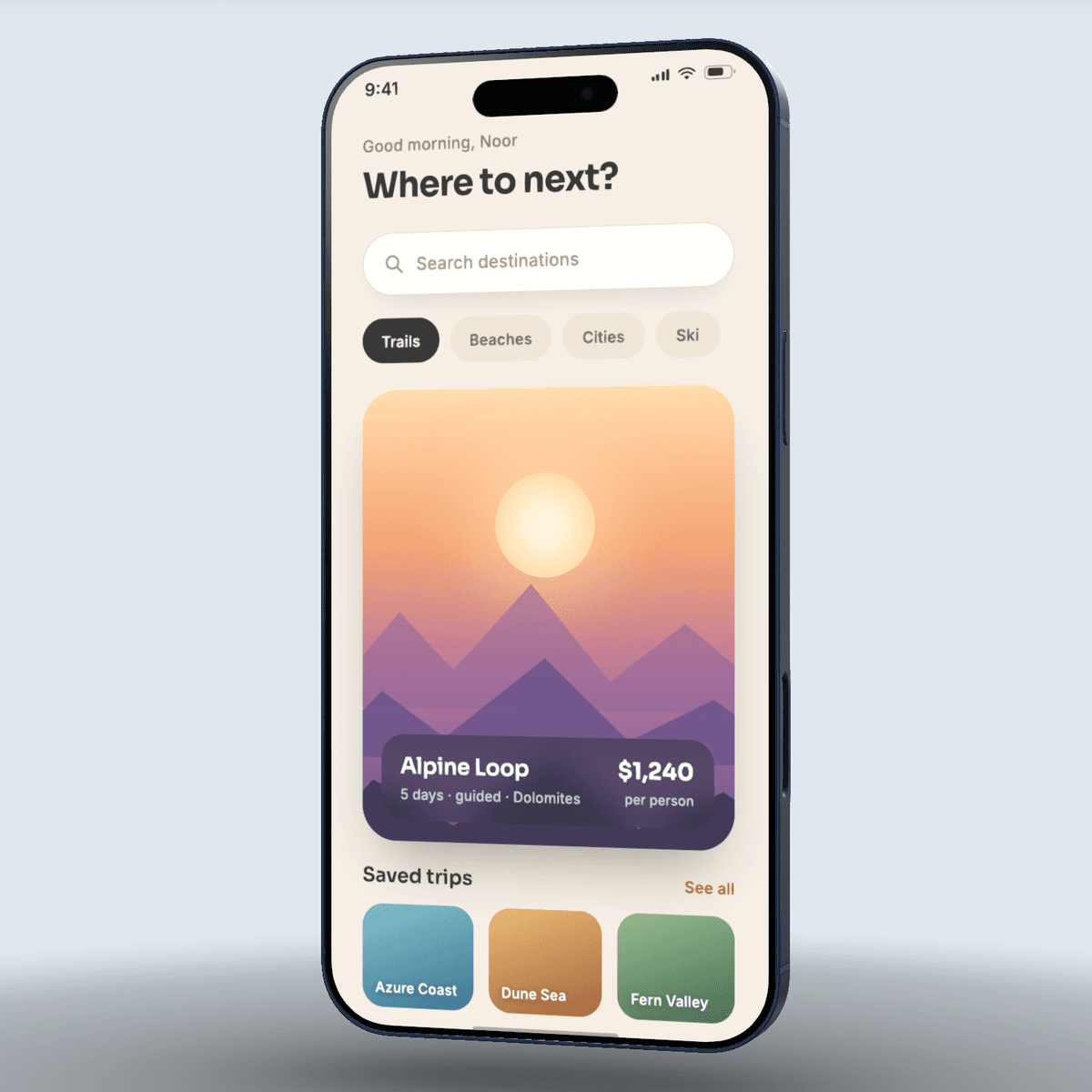
iPhone 17 Pro · Deep Blue · Front
Open this setup
Why it pops
Your screen gets lighting, depth, and a real device body
The screenshot stays yours. The scene adds the parts flat templates cannot: reflected edges, shadows, finish colors, and camera angles that feel built.
Real depth
Angles, shadows, and rails come from a 3D device, not a flattened stock frame.
Fast styling
Swap finishes, backgrounds, and camera presets while the mockup stays live.
Clean output
Export commercial-ready PNG or JPEG files with no signup gate and no watermark.
Device catalog
Pick a frame with personality
Every device is modelled to its published dimensions, with real finish choices.
Use it for
One mockup engine, a bunch of launch-day jobs
Do the math
One scene, a whole launch set
Set up the shot once — every screenshot and every size after that is a reframe and an export, not another composition.
Batch export for whole sets is on the Pro list below
Assets out
12
Vs. by hand
~1.2 hrs
Assumes ~7 min hand-compositing one polished mockup vs ~1 min per reframed export here
Pro · being shaped
When one render becomes a whole launch set
One-off mockups stay free — no watermark, no cap. Pro is for founders and teams who ship more than one screenshot.
Batch export sets
Every screenshot, every size, one click — a full App Store set instead of one render at a time.
Caption layouts
Store-ready headline and caption compositing, so the set ships without another design tool.
Video spins
Short motion exports of your mockup for launch posts that still images can't match.
Project library
Save scenes, reuse brand styles, and come back to yesterday's setup exactly as you left it.
More devices & backdrops
A growing catalog of devices, premium backdrops, and launch-ready looks.
Questions
Asked often, answered straight
Every answer below is checkable — read it, then test it. Missing yours? The credits page lists where to reach me — ask away.
no accordions · nothing hidden- What App Store screenshot sizes do I need in 2026?
- One set, at the largest size Apple accepts. The 6.9-inch row takes 1260 × 2736, 1290 × 2796, or 1320 × 2868 — upload a single set at 1320 × 2868 and App Store Connect scales it down for every smaller iPhone form factor automatically. If your app also runs on iPad, add one 13-inch set at 2064 × 2752 or 2048 × 2732. That is the whole requirement: one iPhone set, plus one iPad set if you ship on iPad, ten screenshots maximum per localized listing. You do not need a separate set per device size — that requirement no longer exists.
- Is it really free? What's the catch?
- Free, and there is no upsell to find. No account, no export limit, no watermark, no paid tier holding the good angles hostage. The honest catch: there is no server, so any setups you save live only in this browser's local storage, not synced to any account — there is still no team library, no shared asset manager, and no version history, and an image background you upload isn't part of what a saved setup remembers. It renders mockups and exports them. That is the entire product.
- Do you upload my screenshots?
- No. Your screenshot is read straight from the file into the page and rendered on your own GPU through WebGL. It is never sent anywhere, because there is no upload endpoint to send it to. Check it yourself: open the network tab, or drop your Wi-Fi after the page loads and keep working.
- Can I use these commercially?
- Yes — App Store listings, paid ads, client work, print, anything. No licence to buy and no attribution required. This is worth saying plainly because it is not the norm: Mockuuups Studio's free tier is licensed for personal use only and requires an attribution credit, so a free-tier export from it is not safe to put in front of customers. Exports from here carry no such string. The one thing that is not ours to grant is Apple's hardware design and trademarks — that is between you and Apple's guidelines, exactly as it is with any mockup tool.
- Does it work on my phone?
- Not yet. The studio needs a desktop browser — the 3D scene, the drag-to-orbit camera, and the 4K export all assume a pointer and a real GPU, and a phone-sized version would be a worse tool than no tool. This page works fine on a phone, so you can read it now and open the studio when you are back at a desk.
- Can I make Android and Samsung Galaxy mockups, or only iPhone?
- Both. Alongside the iPhone 17 Pro, 17 Pro Max, and iPhone Air, the catalog includes the Samsung Galaxy S26 Ultra — same real 3D geometry, its own real finishes, the same free export with no watermark. Every device is modelled from its published millimetre dimensions rather than approximated, so an Android render lands as true as an iPhone one.
- What image formats can I use, and what do exports come out as?
- Drop a PNG, JPEG, or WebP screenshot in — it is read straight off disk, never uploaded. Exports come out as a PNG or JPG at up to 4K; if you set a transparent background it always exports as a PNG so the cut-out is preserved. There is no separate import step or account gate — screenshot in, finished image out.
- Can I change the background, lighting, and camera angle?
- Yes — that is most of the tool. Backgrounds can be a solid colour, a gradient, an image you supply, or fully transparent; the scene ships several studio lighting looks; and you frame the shot with camera presets or by dragging to orbit the device to any angle. The screenshot stays fixed on the screen while everything around it — finish, light, angle, backdrop — is yours to set.
- How is this different from a flat Figma or Photoshop mockup template?
- A smart-object template is a 2D photo of a phone with your screenshot pasted into a fixed perspective — you get the one angle the template was shot at. Here the device is real 3D geometry, so you rotate it to any angle and the lighting, reflected edges, and shadows recompute live instead of staying baked into a photo. And it runs in the browser with nothing to install and no file to rebuild each launch.
Ready when you are
Your screenshot deserves better than a flat rectangle
Drop a screenshot · Style the scene · Export 4K